¶ Resource Monitoring
In addition to the sinfo and squeue there are specific commands available for monitoring system resources and running processes
The monitoring commands are categorized into two types
- Monitoring CPU & Memory Processes: Use the command
htopcXorbtopcX - Monitoring GPU Processes: Use the command
nvtopcX
** Press Ctrl + C to exit the monitoring display.
Replace the character X with the number of the compute node (The Erawan system has 4 nodes: c1–c4).
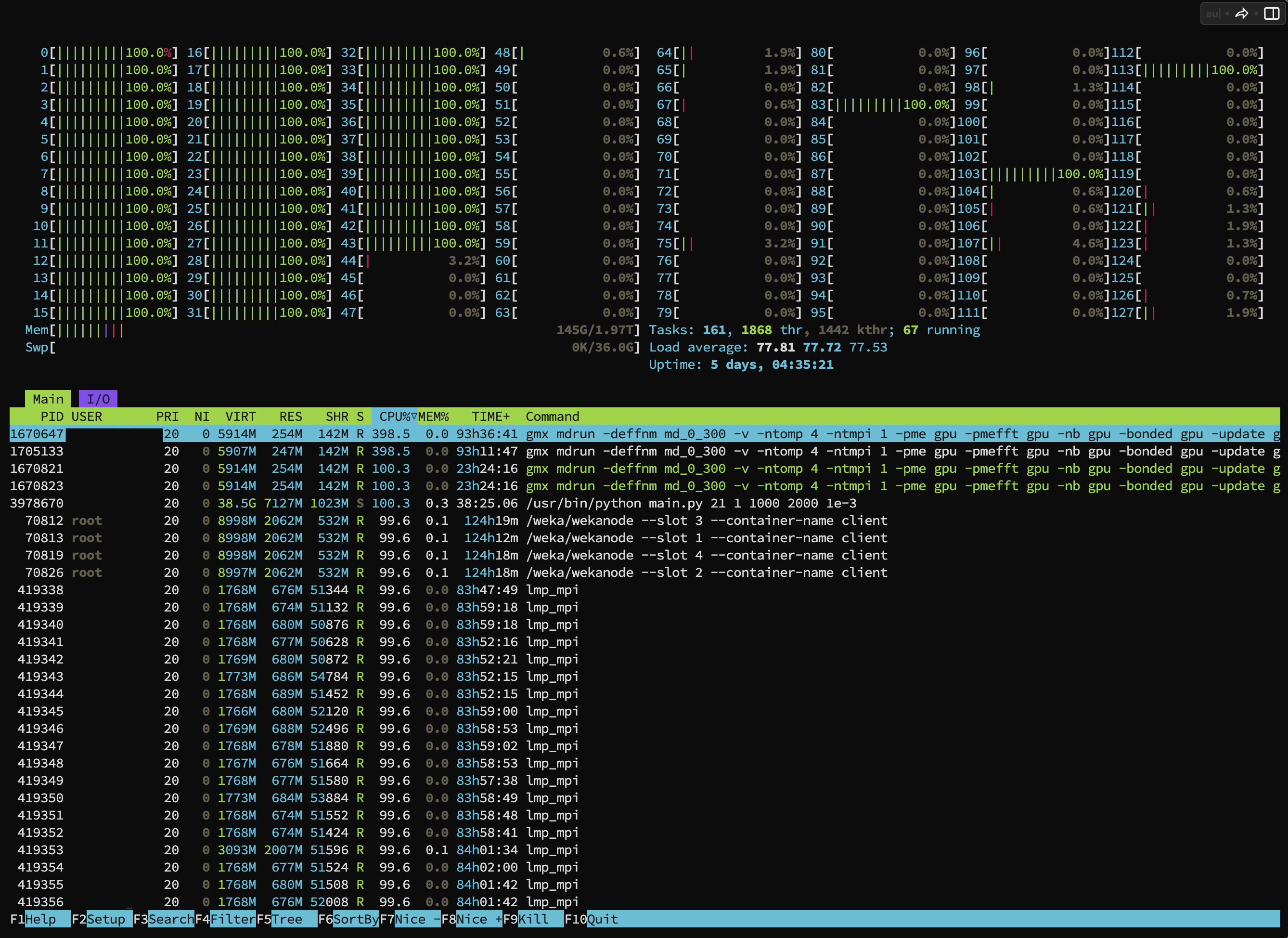
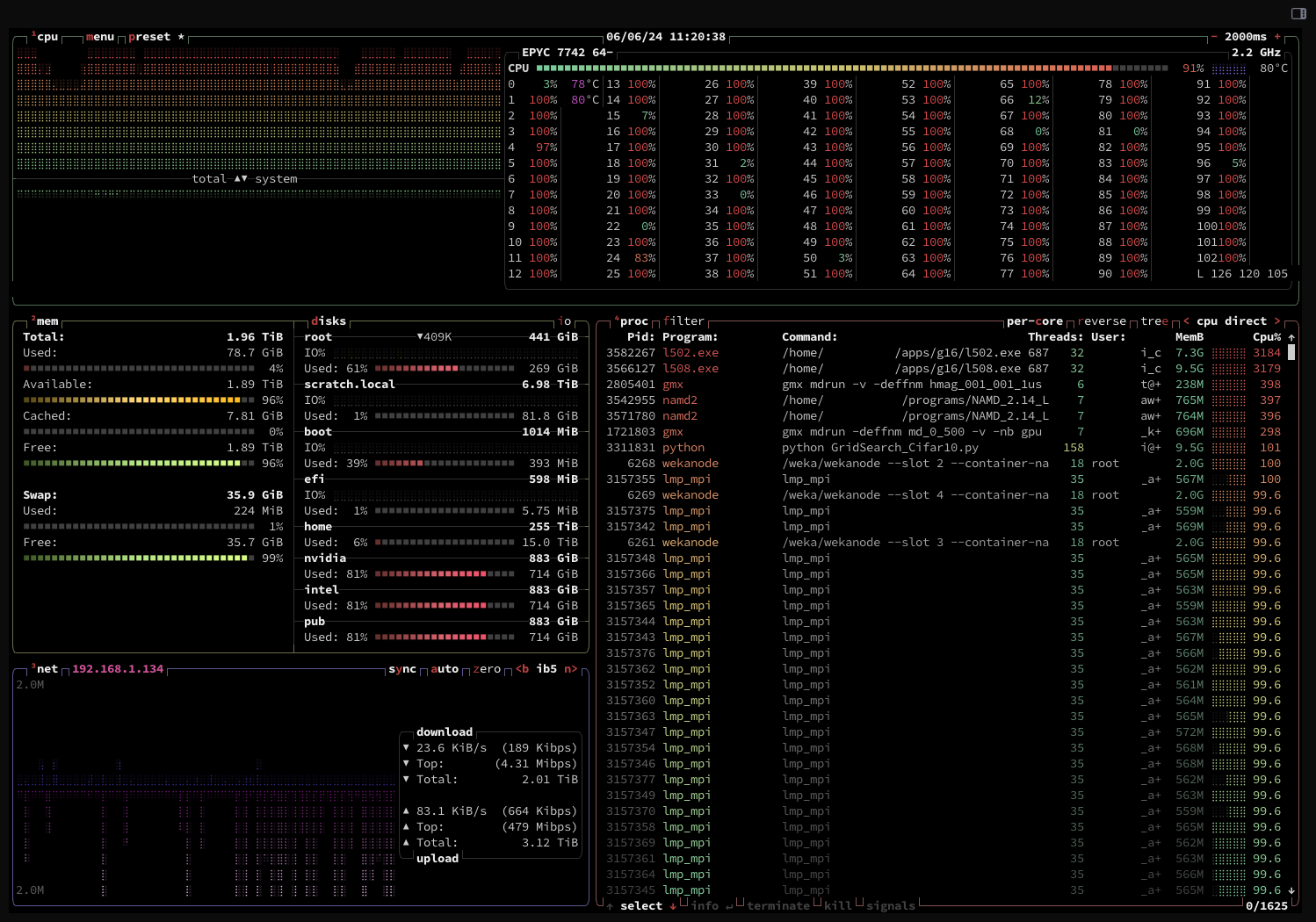
Example Monitoring CPU & Memory Utilization
$ htopc1
$ btopc1
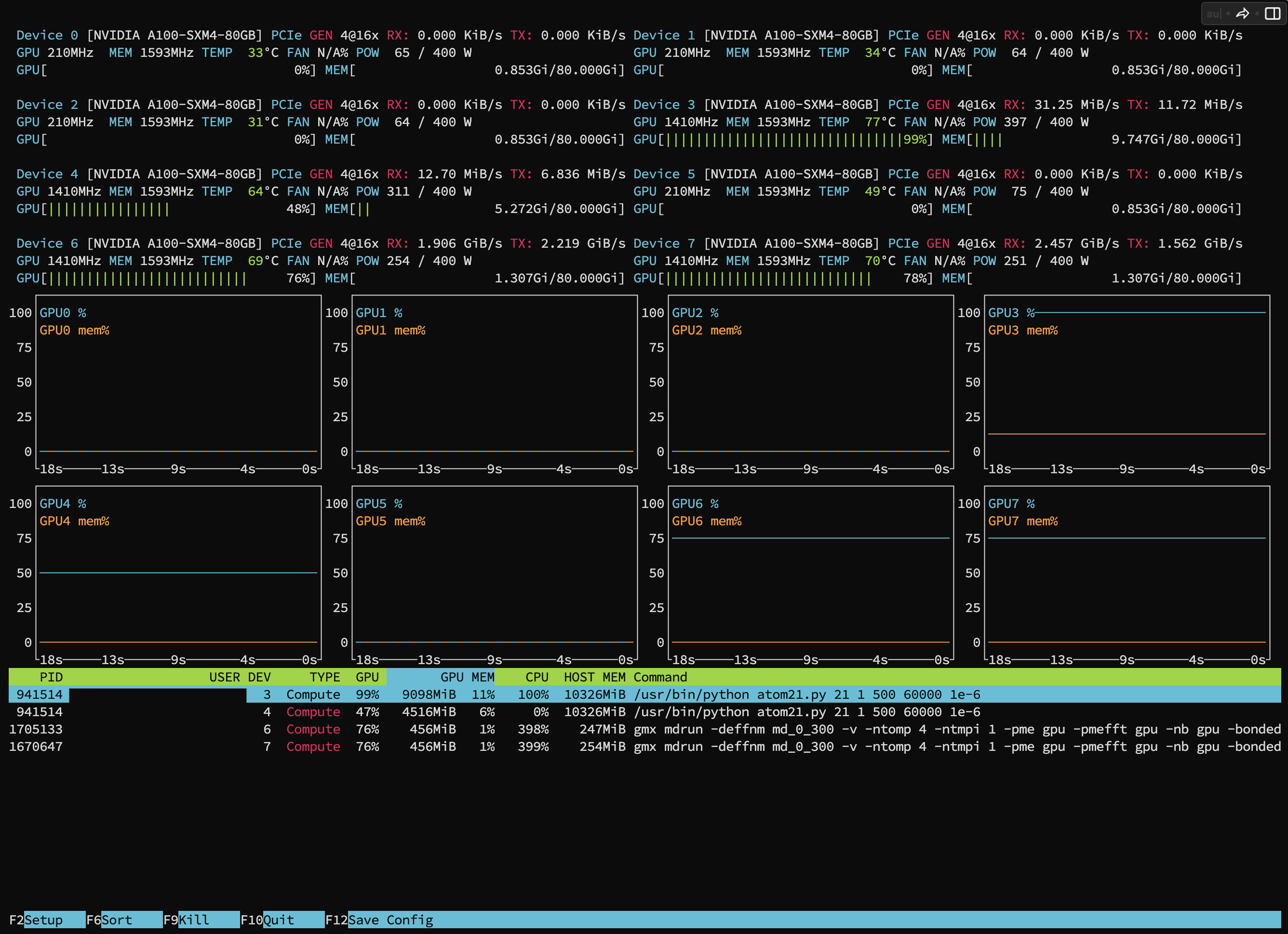
Example Monitoring GPU Utilization
Users can observe how much their running jobs are utilizing the GPU from the bottom bar of the display.
$ nvtopc2